1080p Mini Projector with 4K Support, WiFi & Bluetooth
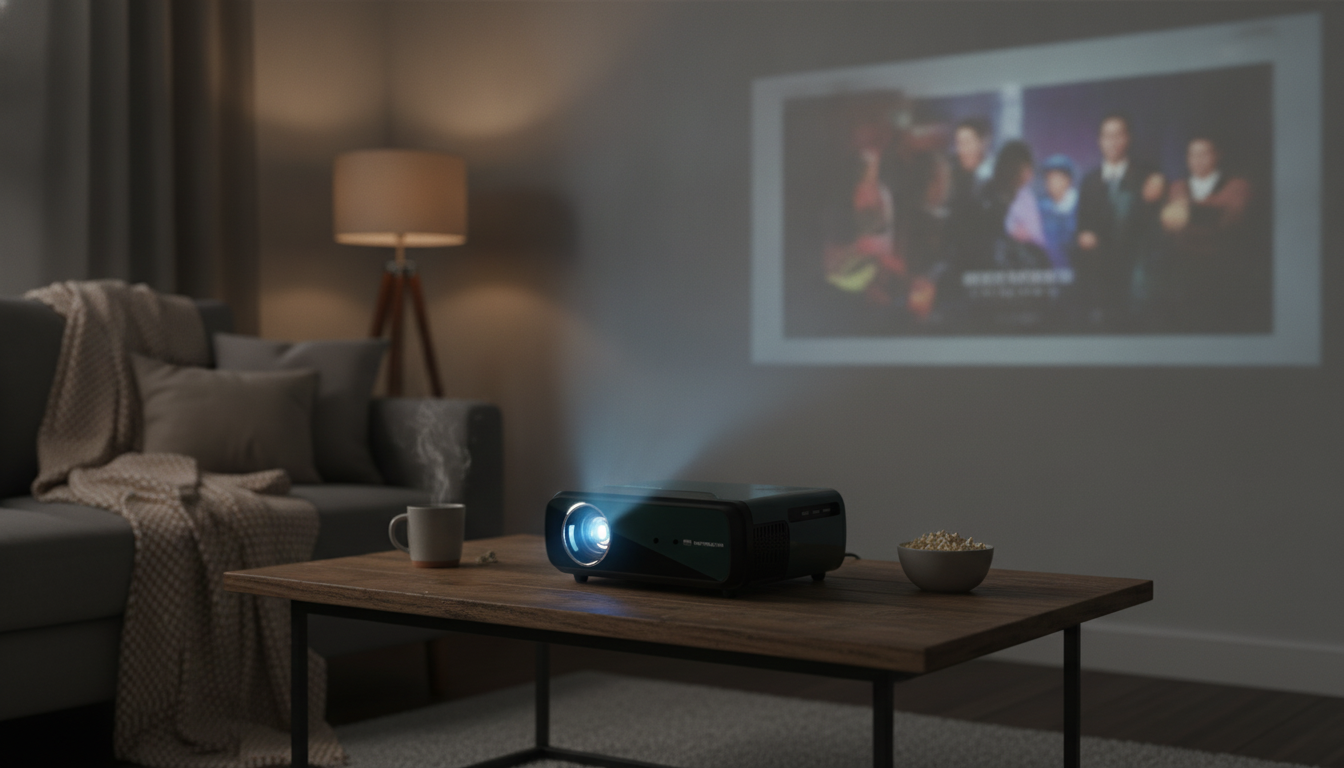
1080p Full HD Portable 4K WiFi Bluetooth Mini Projector for Home, Travel, and Backyard Nights
A compact projector can turn a blank wall into a big-screen experience—without committing to a permanent TV setup. This guide breaks down what to expect from a 1080p Full HD portable projector with 4K input support, WiFi screen casting, and Bluetooth audio, including real-world use cases, setup tips, and the key specs that matter most for picture quality and convenience.
What This Mini Projector Is Designed For
Mini projectors shine when you want a screen that can move with you. They’re built for convenience first, then image size—making them a smart fit for everyday viewing and casual events.
- Quick, flexible viewing in small spaces: bedrooms, apartments, dorms, and temporary setups.
- Portable movie nights: travel, RVs, and backyard gatherings (power access and light control still matter).
- Casual gaming and sports: simple source switching with HDMI devices, streaming sticks, and laptops.
- Informal sharing: photos, slides, and short videos for get-togethers or quick presentations.
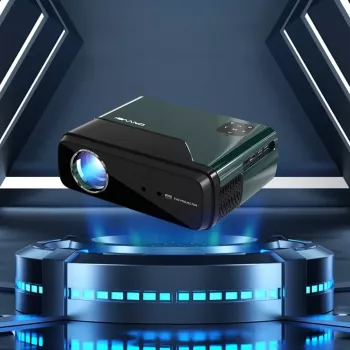
If you’re shopping for a travel-friendly option with modern connections, see the 1080p Full HD Portable 4K WiFi Bluetooth Mini Projector.
Display Quality: 1080p Full HD with 4K Input Support
Resolution is a big part of the experience, but it’s not the only part. A well-aligned 1080p picture with good focus often looks better than a higher-spec setup that’s slightly crooked or washed out by room lighting.
- 1080p Full HD looks noticeably sharper than 720p as the image size grows—especially for subtitles, UI menus, and sports score bugs.
- “4K support” typically means 4K signal acceptance, then downscaling to 1080p for display (still a strong benefit for compatibility with modern sources).
- Ambient light control is the real multiplier: dim lights, close curtains, and avoid bright lamps pointing at the wall/screen.
- For text-heavy content, alignment and focus matter most: crisp corners come from squaring the projector to the screen and dialing in focus carefully.
For more background on signal formats and device compatibility, the HDMI Specification Overview is a helpful reference.
Wireless Convenience: WiFi Casting and Bluetooth Audio
Wireless features are about reducing friction—getting video on the wall quickly and upgrading sound without a cable run across the room.
- WiFi screen mirroring is great for quick sharing from phones and tablets, especially for photos, short clips, or browsing.
- Bluetooth is best used for audio, letting you pair a soundbar or portable speaker when the built-in speaker can’t fill a larger space.
- For the most stable streaming, HDMI often wins: in crowded WiFi environments, a streaming stick over HDMI can be smoother than casting.
- If lip-sync issues show up on Bluetooth, reduce “3D/virtual” sound modes on the speaker, or switch to a wired audio option if available.
To learn more about connection standards, see the Bluetooth Core Specification and the Wi‑Fi Alliance overview of Wi‑Fi CERTIFIED devices.
Setup in Minutes: Placement, Focus, and Image Alignment
A clean setup is mostly about geometry. The closer you are to “lens centered and square,” the less digital correction you’ll need—and the sharper the final picture tends to look.
- Start level and square: place the projector on a stable surface and point it straight at the wall/screen to minimize keystone distortion.
- Set distance first, then focus: adjust how far back the projector sits to get the image size you want, then fine-tune focus for sharp edges.
- Give it breathing room: keep vents clear on all sides; compact units can run warmer and need consistent airflow.
- Plan cables early: connect HDMI/power first so you don’t bump the projector after you’ve nailed the focus.
Inputs and Everyday Compatibility
Compatibility is where mini projectors can feel either effortless or finicky. The good news: a simple checklist prevents most surprises.
If you cast from a phone often, protecting it during travel helps reduce hassles. The Black Cat Reflective Laser Phone Case for iPhone is a simple add-on for everyday carry.
Sound: Built-In Speaker vs External Audio
Best Use Cases and Simple Setup Recipes
Bedroom cinema
Backyard night
Travel/RV
Game day
Key Specifications at a Glance
| Feature | Why it matters | Practical tip |
|---|---|---|
| 1080p Full HD output | Sharper image for movies, subtitles, and menus | Use moderate screen sizes for best perceived clarity in brighter rooms |
| 4K input support | Accepts 4K sources and typically downscales to 1080p | Set the source to 1080p if you notice handshake or playback issues |
| WiFi casting | Cable-free sharing from mobile devices | Use 5 GHz WiFi when available to reduce buffering |
| Bluetooth audio | Easier sound upgrades with speakers/soundbars | If latency is noticeable, switch audio output method or disable sound enhancements |
| HDMI input | Most reliable connection for streaming and gaming | Keep a spare short HDMI cable for travel setups |
Care, Longevity, and Storage Tips
Common Issues and Quick Fixes
FAQ
Does 4K support mean the projector displays in true 4K?
Usually not. Many portable projectors can accept a 4K signal, then downscale it and display at 1080p; you’ll still get compatibility with 4K sources, but the on-screen resolution remains Full HD.
Can Bluetooth be used for both audio and video casting?
Bluetooth is typically used for audio output to speakers or headphones. Video casting is normally handled over WiFi (screen mirroring) or through an HDMI connection.
Is WiFi mirroring good enough for streaming movies?
It can be, especially on a strong 5 GHz network with compatible devices, but some streaming apps limit mirroring and congested networks can cause stutter. For the most reliable movie playback, HDMI with a streaming stick is often the smoother option.














Leave a comment